n0rds3c.dev / omarchy
omarchy
Wallpapers, palettes, keybinds, and this week's rice. The palettes on this site are generated from the real theme files. Click a wallpaper to wear its palette here.
01this week
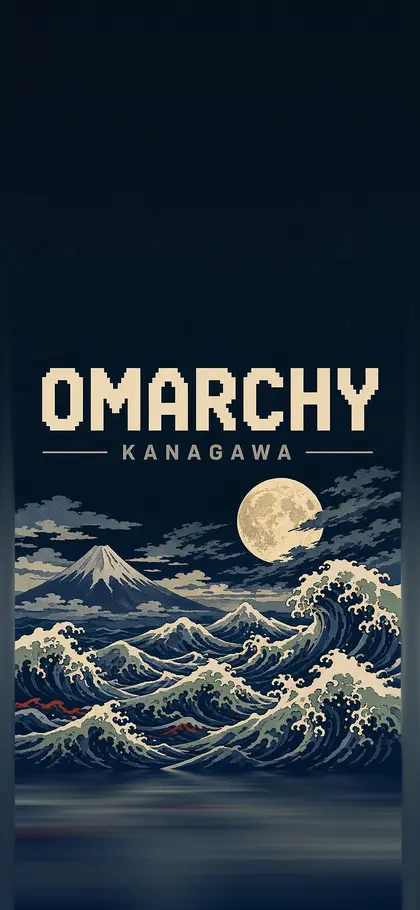
This week's rice · kanagawa
- Kanagawa on the desktop, generated straight from colors.toml into this site's tokens.
- A custom matrix theme for the 404 page and for late nights.
- Glyph rain and aurora on the site are the only two things borrowed from the wallpaper.
02wallpapers
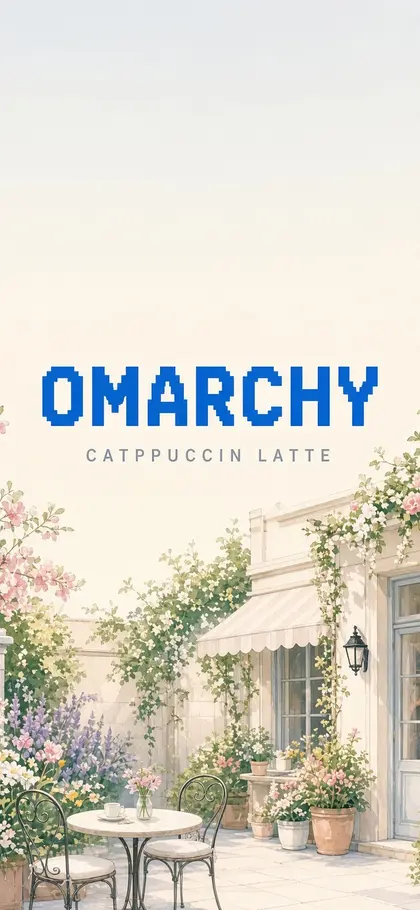
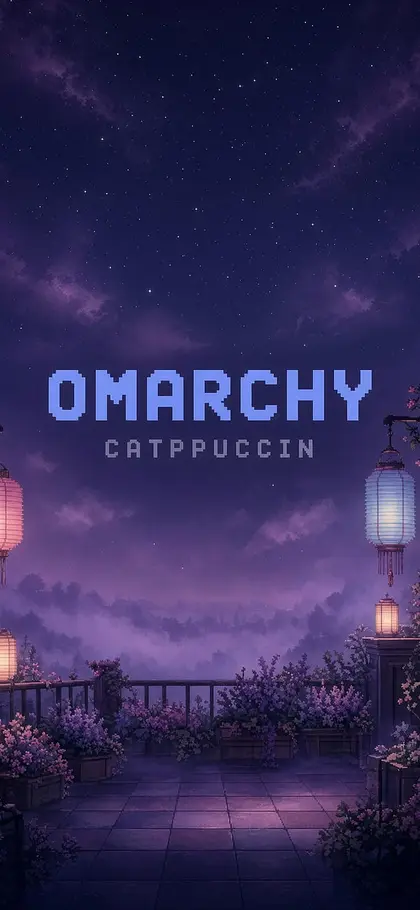
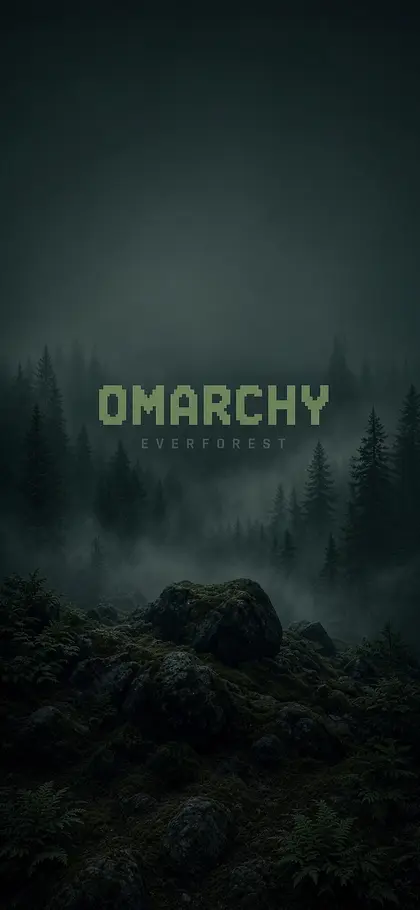
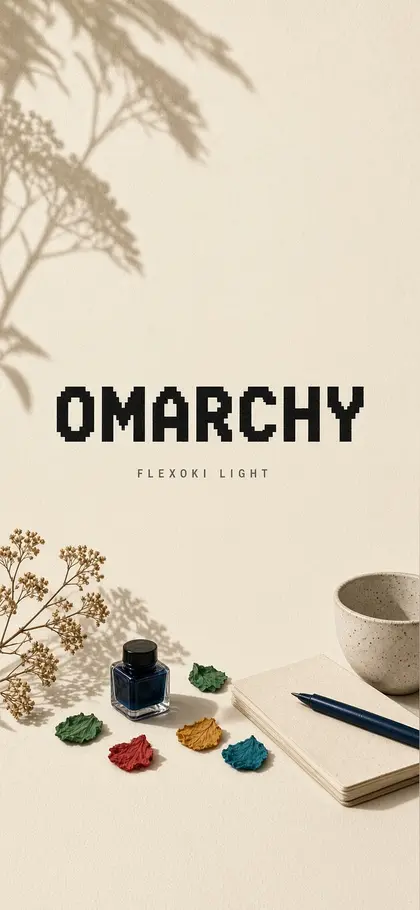
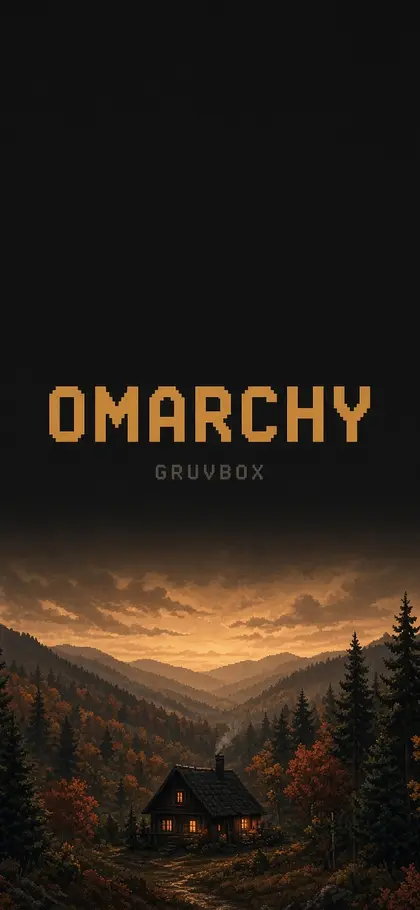
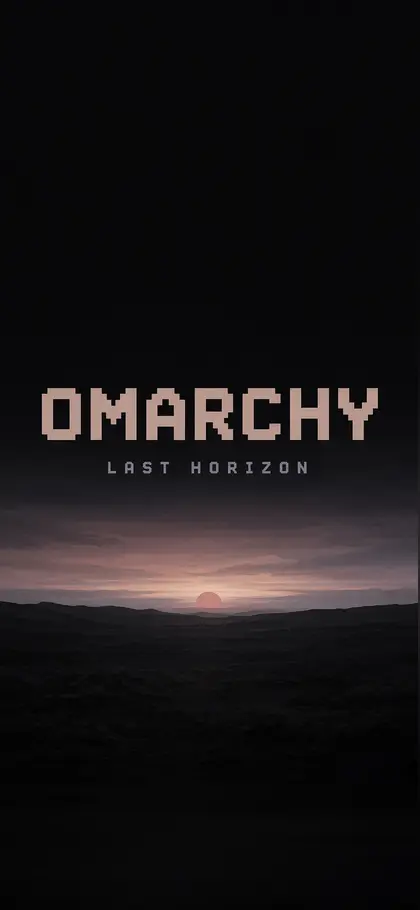
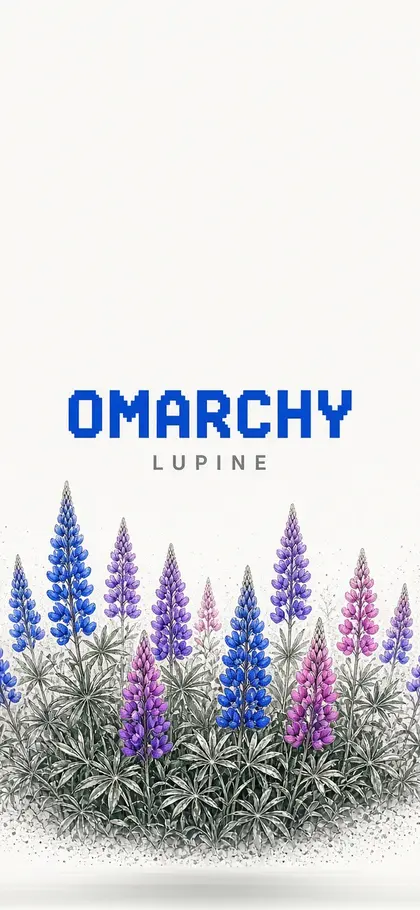
One per theme
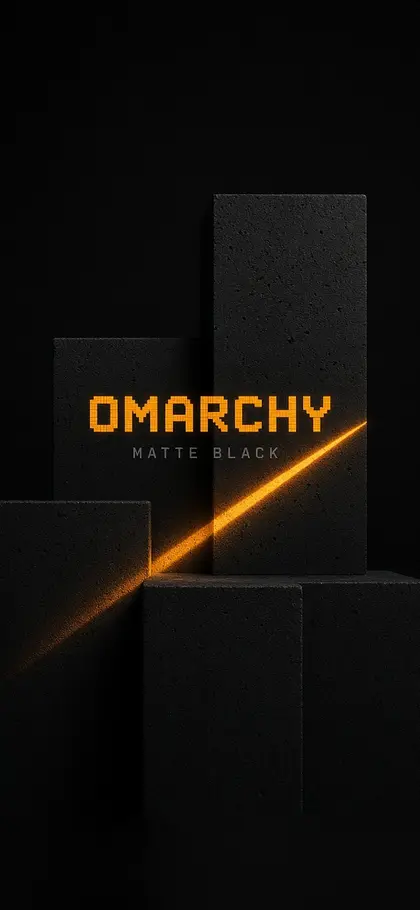
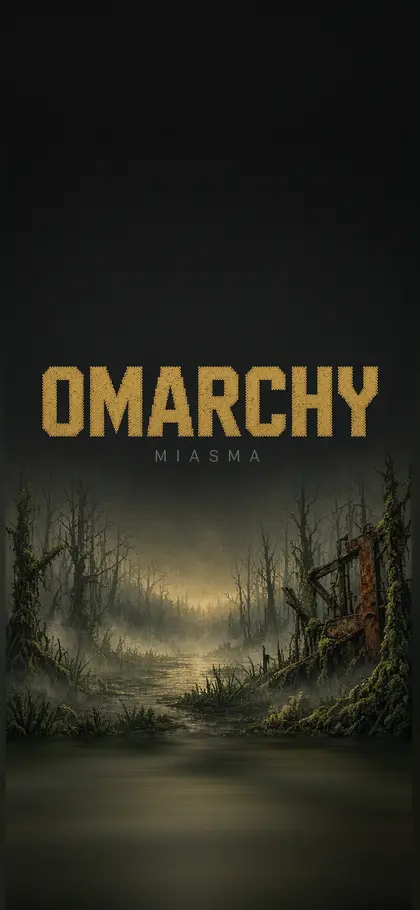
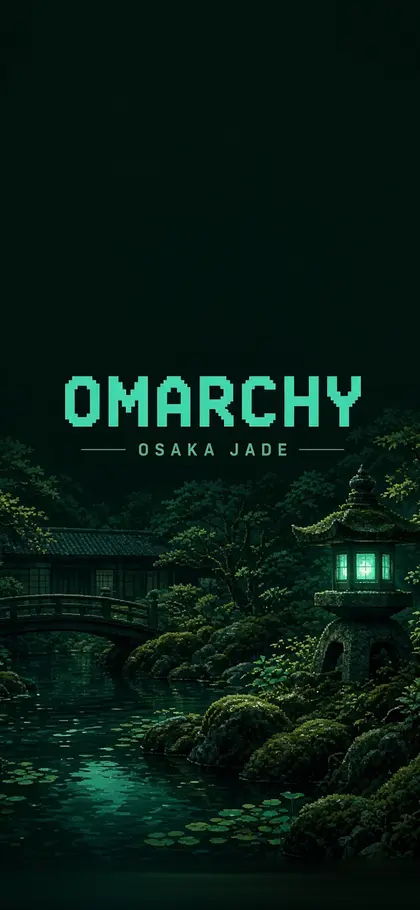
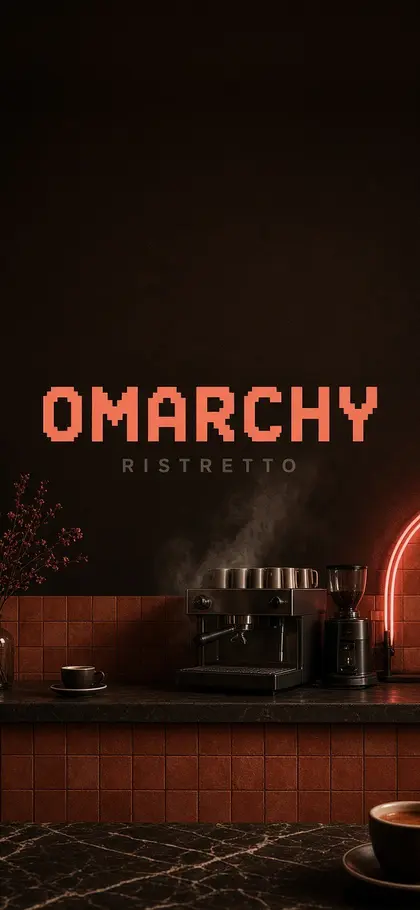
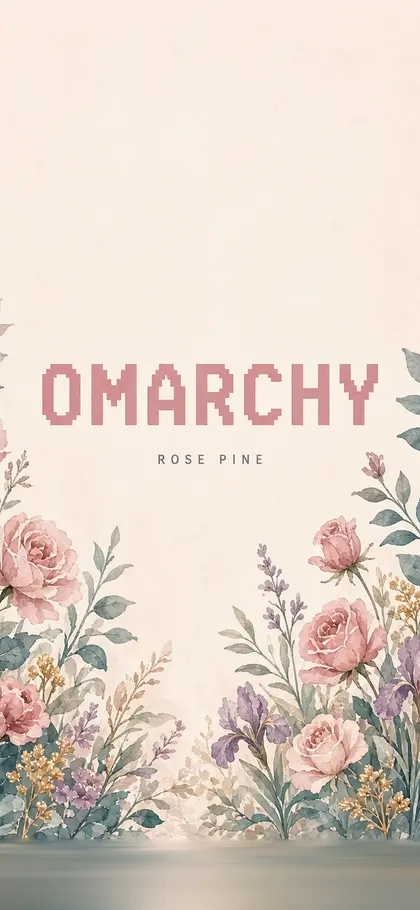
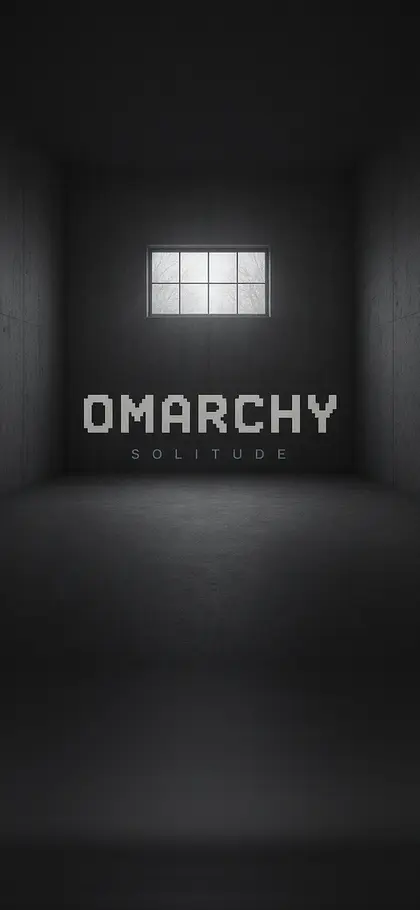
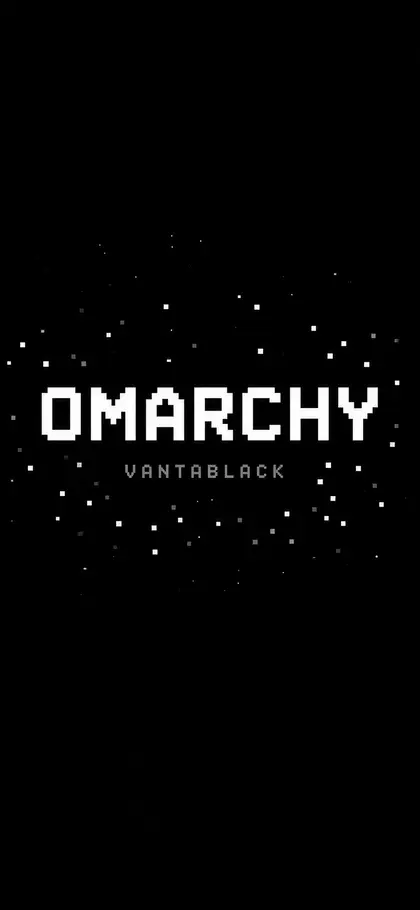
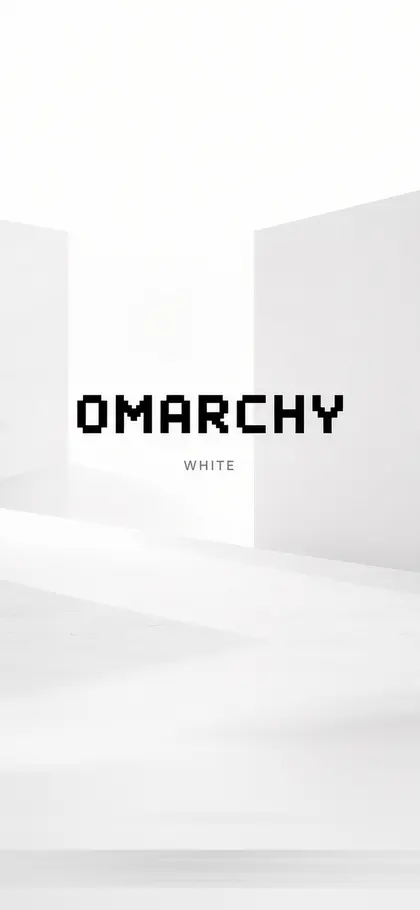
Phone wallpapers from omarchy-visuals. Thumbnails are small; full opens the original on GitHub.






03palette mixer
Wear a palette, copy the tokens
Every palette on this site is generated from a real Omarchy colors.toml. Pick one, then copy its CSS custom properties.
active · kanagawa
04keybinds
The cheatsheet
Omarchy 4.0.4 default bindings (/usr/share/omarchy/default/hypr/bindings)
menus
- super space
- omarchy menu
- super alt space
- apps menu
- super k
- keybindings
- super esc
- system menu
- super ctrl space
- background switcher
- super shift ctrl space
- theme menu
apps
- super return
- terminal
- super shift return
- browser
- super shift f
- file manager
- super shift n
- editor
- super alt return
- tmux
- super shift o
- obsidian
windows
- super w
- close window
- super f
- full screen
- super t
- toggle floating
- super j
- toggle split
- super o
- pop window out
- super arrows
- focus
- super shift arrows
- swap
workspaces
- super 1..0
- switch workspace
- super shift 1..0
- move window to workspace
- super tab
- next workspace
- super s
- scratchpad
- super l
- toggle layout
capture + system
- screenshot
- alt print
- screen recording
- super print
- color picker
- super ctrl print
- ocr from screenshot
- super ctrl n
- nightlight
- super ctrl i
- idle lock